


1

Open the Telegram Mini App
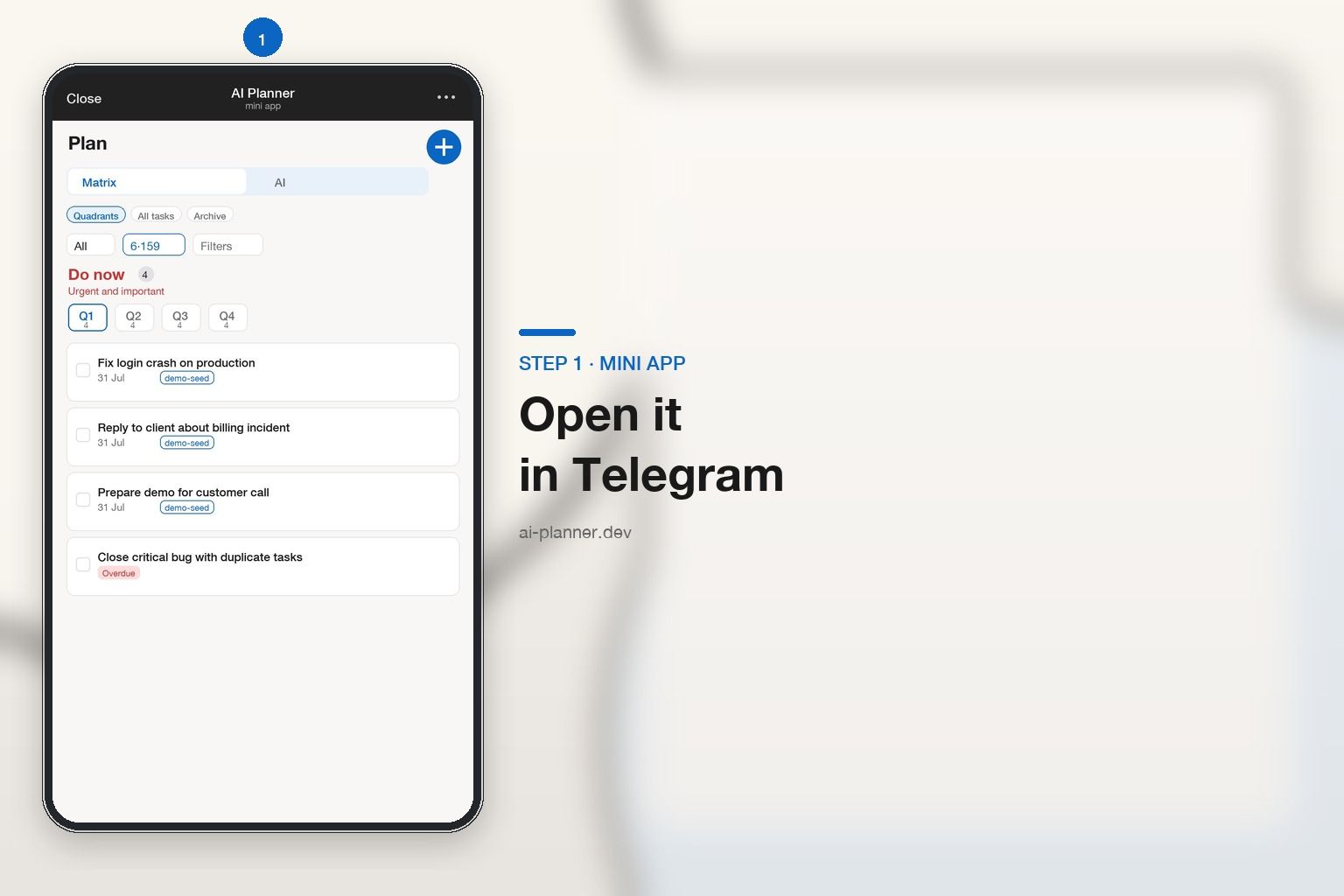
One tap — matrix and agent. Or sign up on the web and link Telegram in settings.
AI Planner
Matrix and agent in Telegram — you confirm task creation
Open the Mini App in Telegram: matrix, AI agent, and Today. You review drafts before they become tasks.
Telegram Mini App · Web link · Demo — free for now

Features
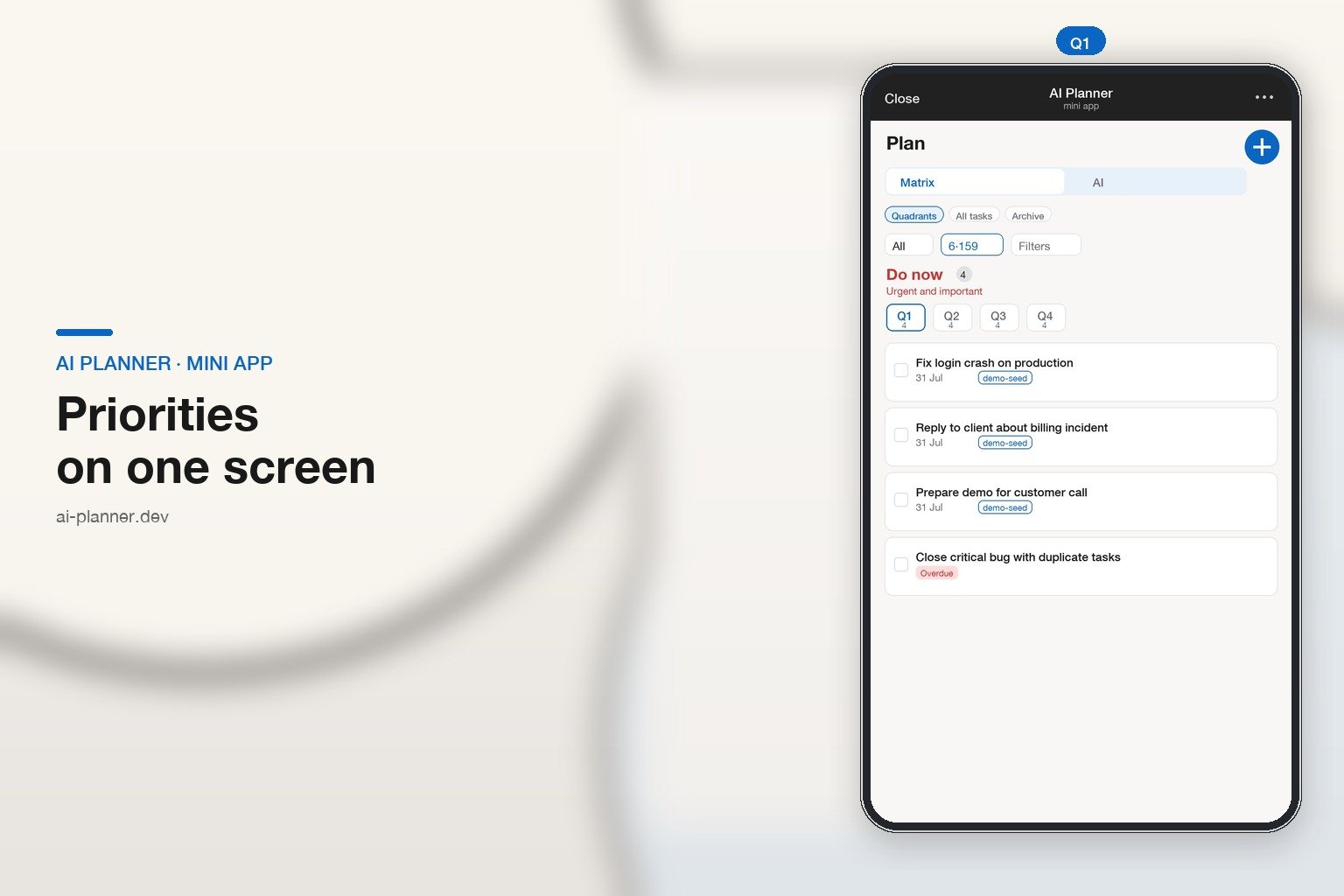
Four pillars: AI agent, capture, matrix, and your day on the calendar.
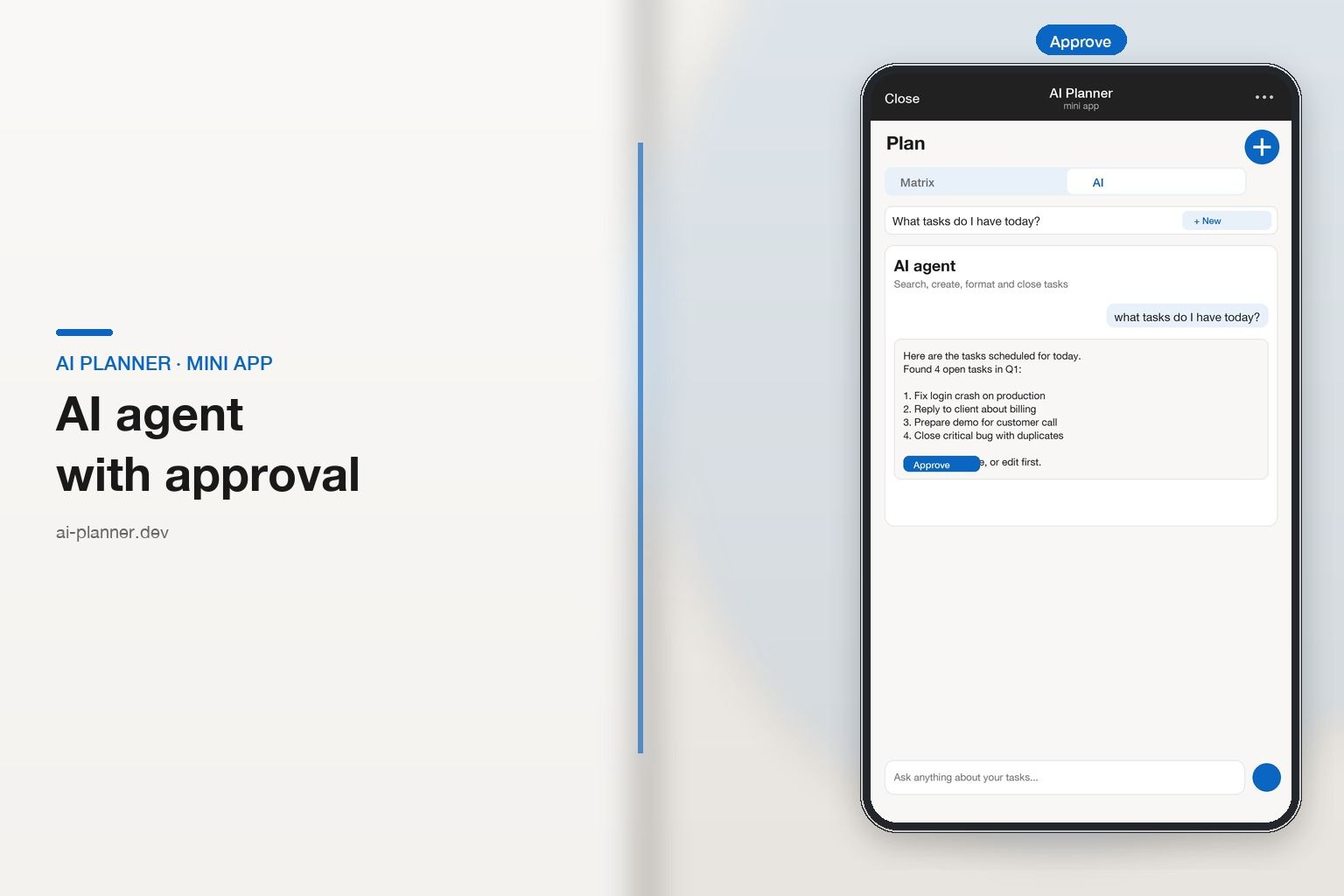
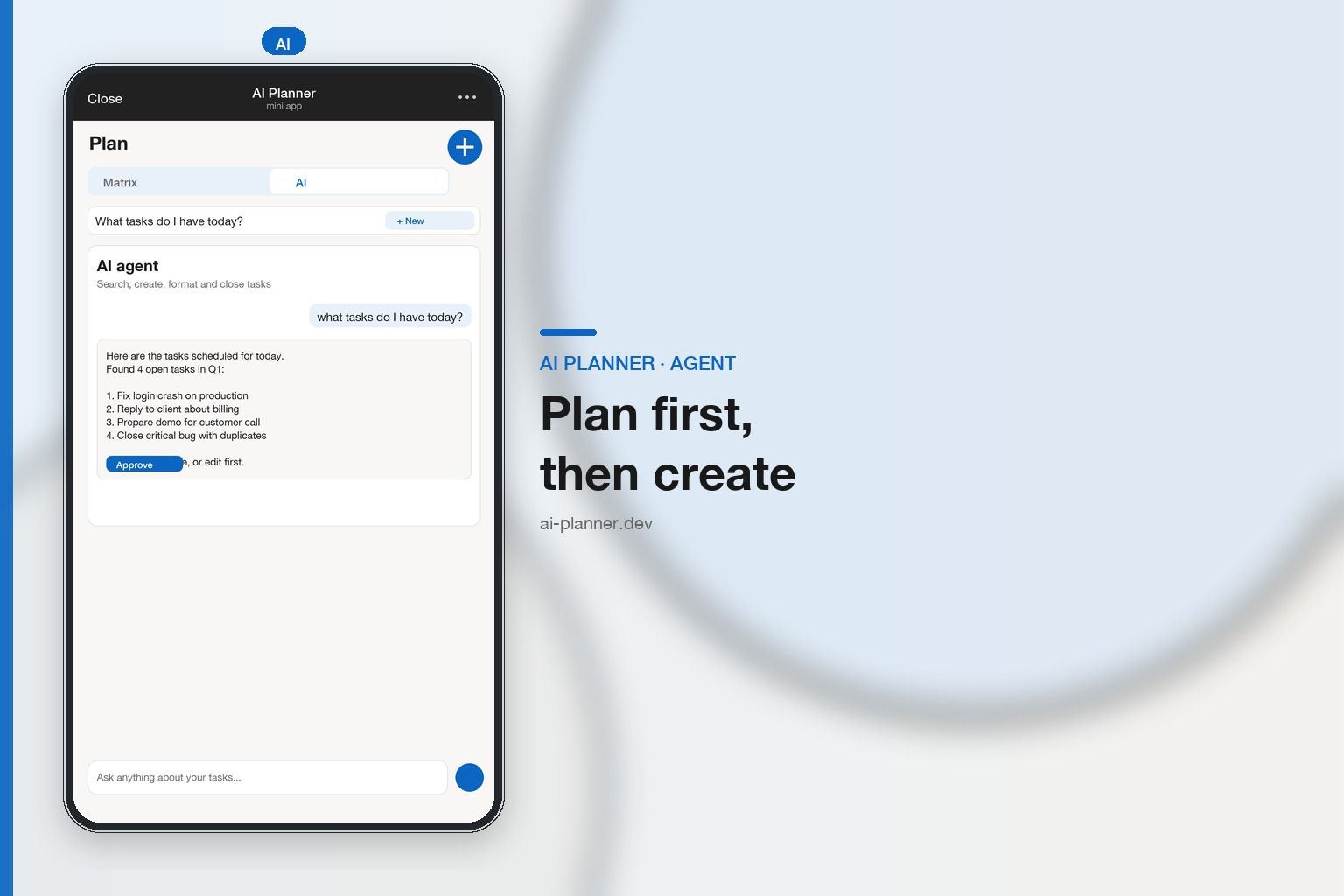
AI agent
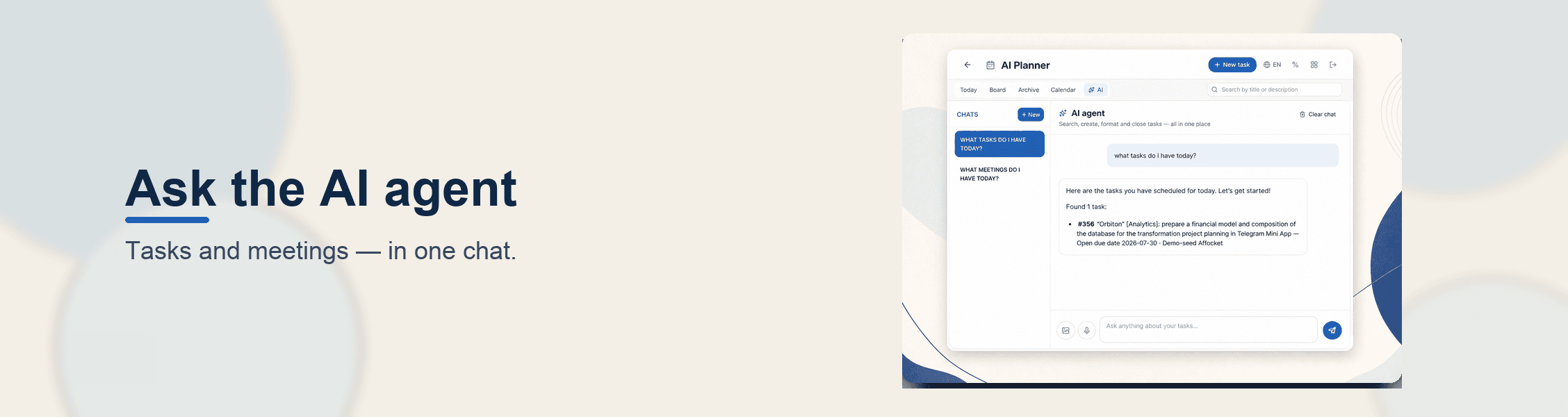
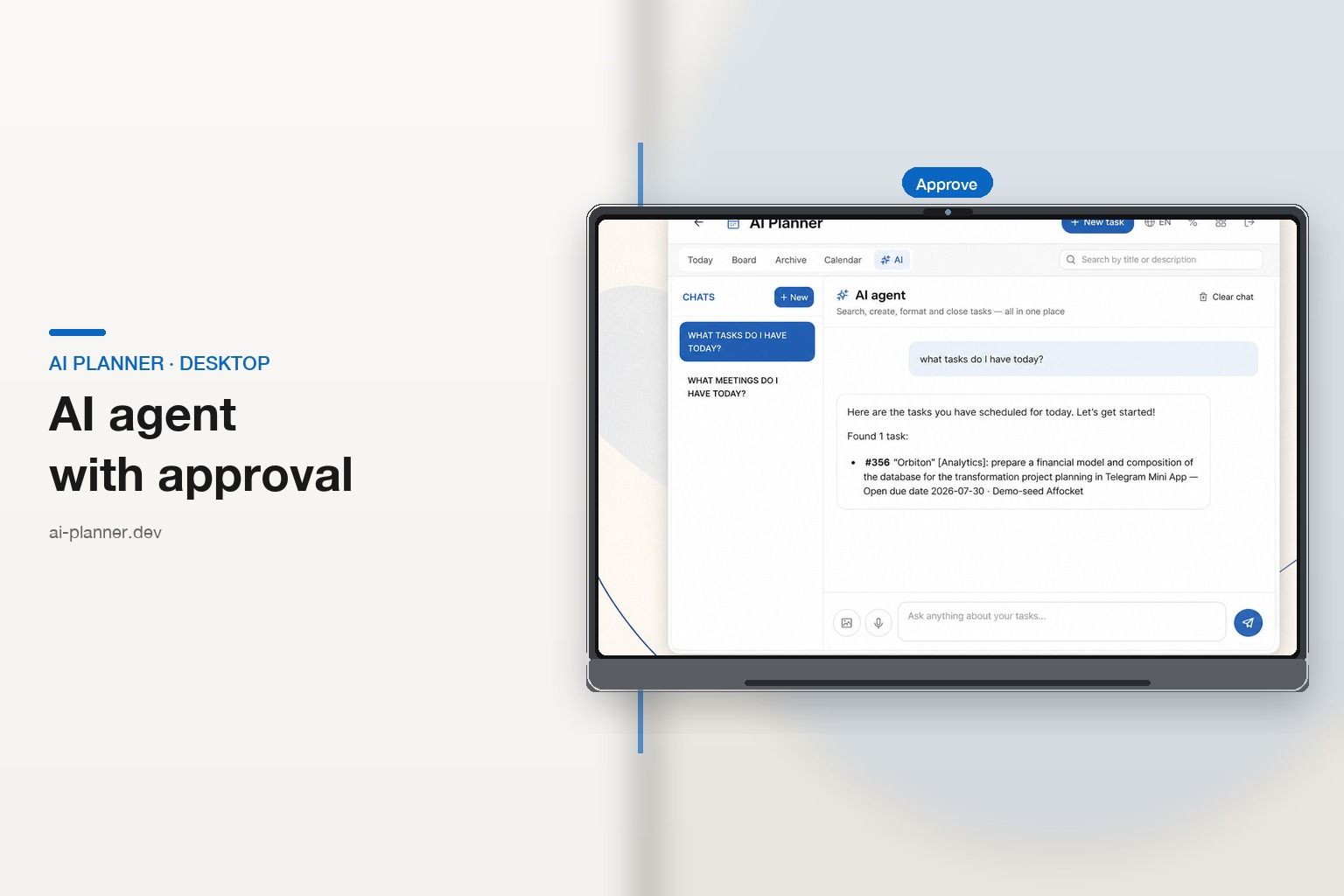
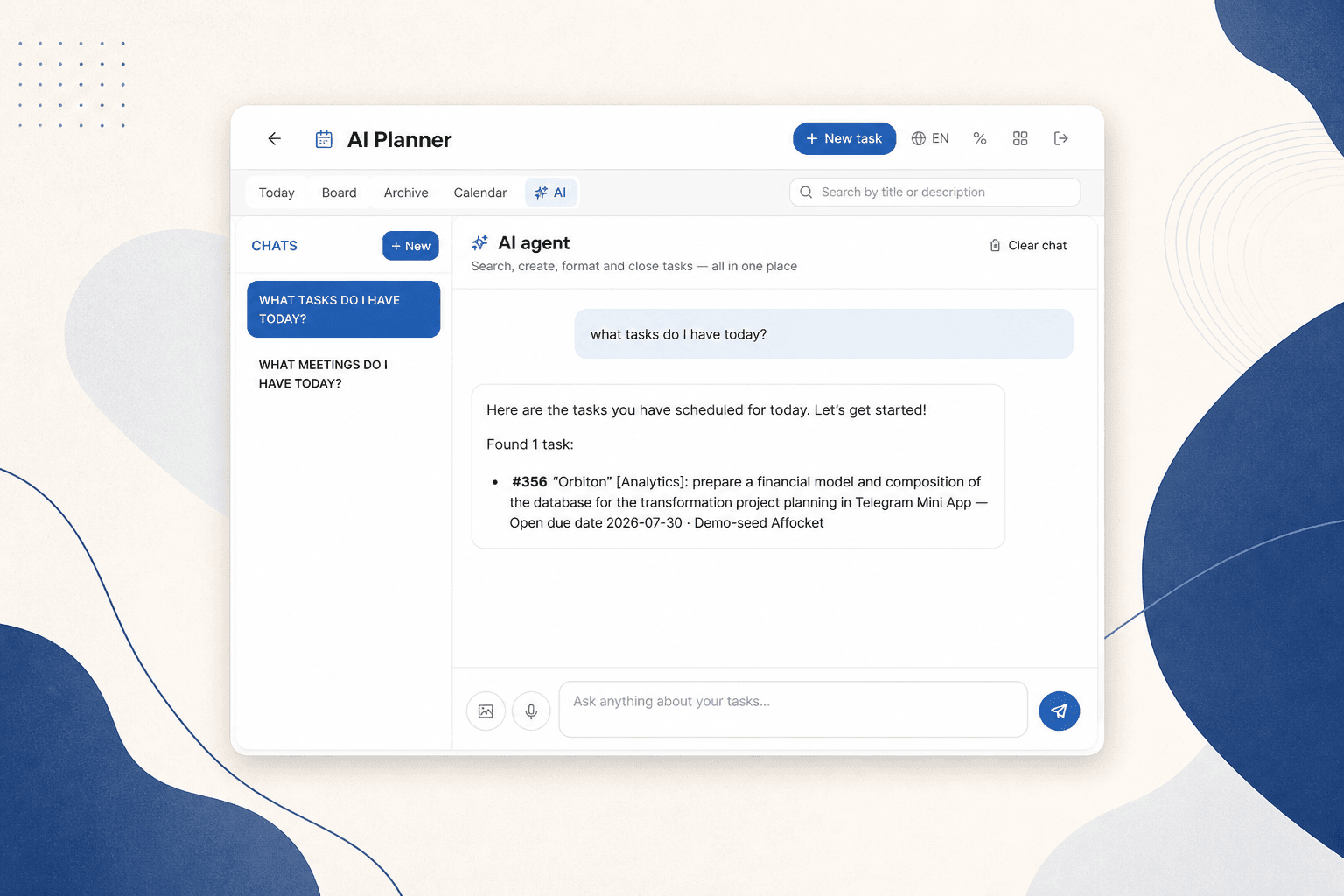
Create and close tasks, search done work, check CalDAV meetings, and append notes. When parsing topics, the agent proposes drafts — you confirm what lands on the matrix. An explicit “create …” can still apply immediately.
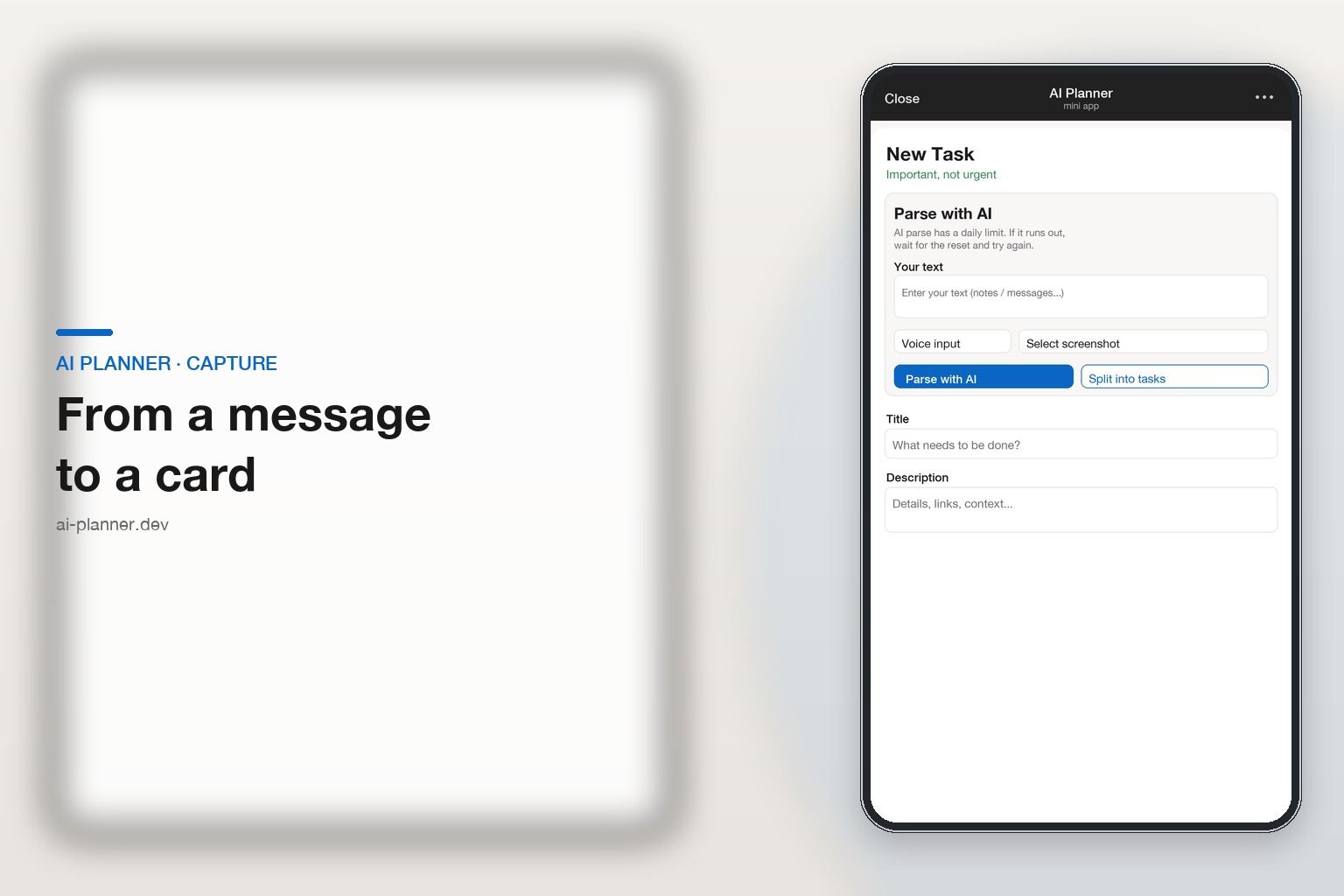
Capture
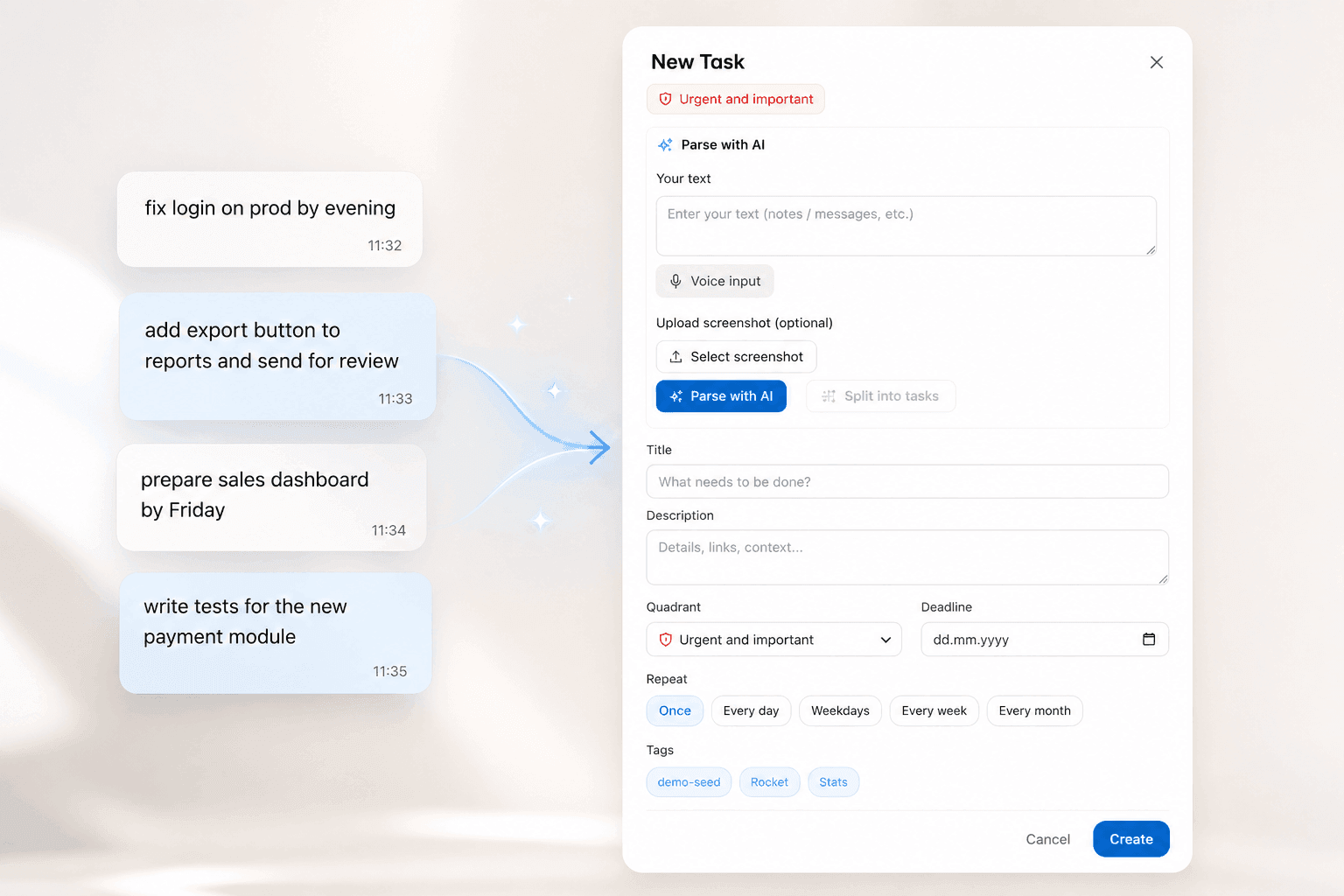
Paste a thread, dictate a note, or drop a screen photo. The planner drafts cards with titles and suggests a quadrant — no manual rewriting.
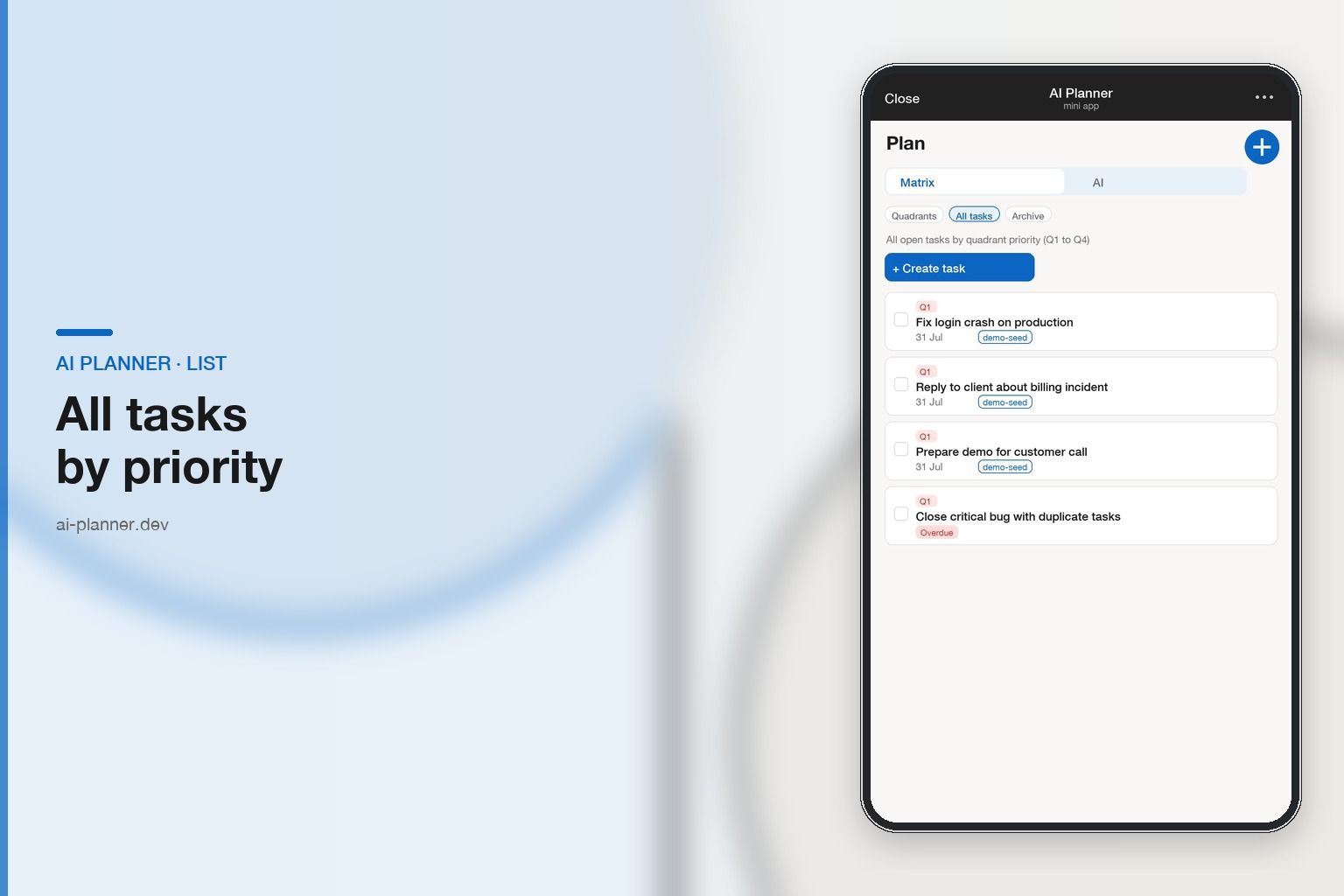
Matrix & Today
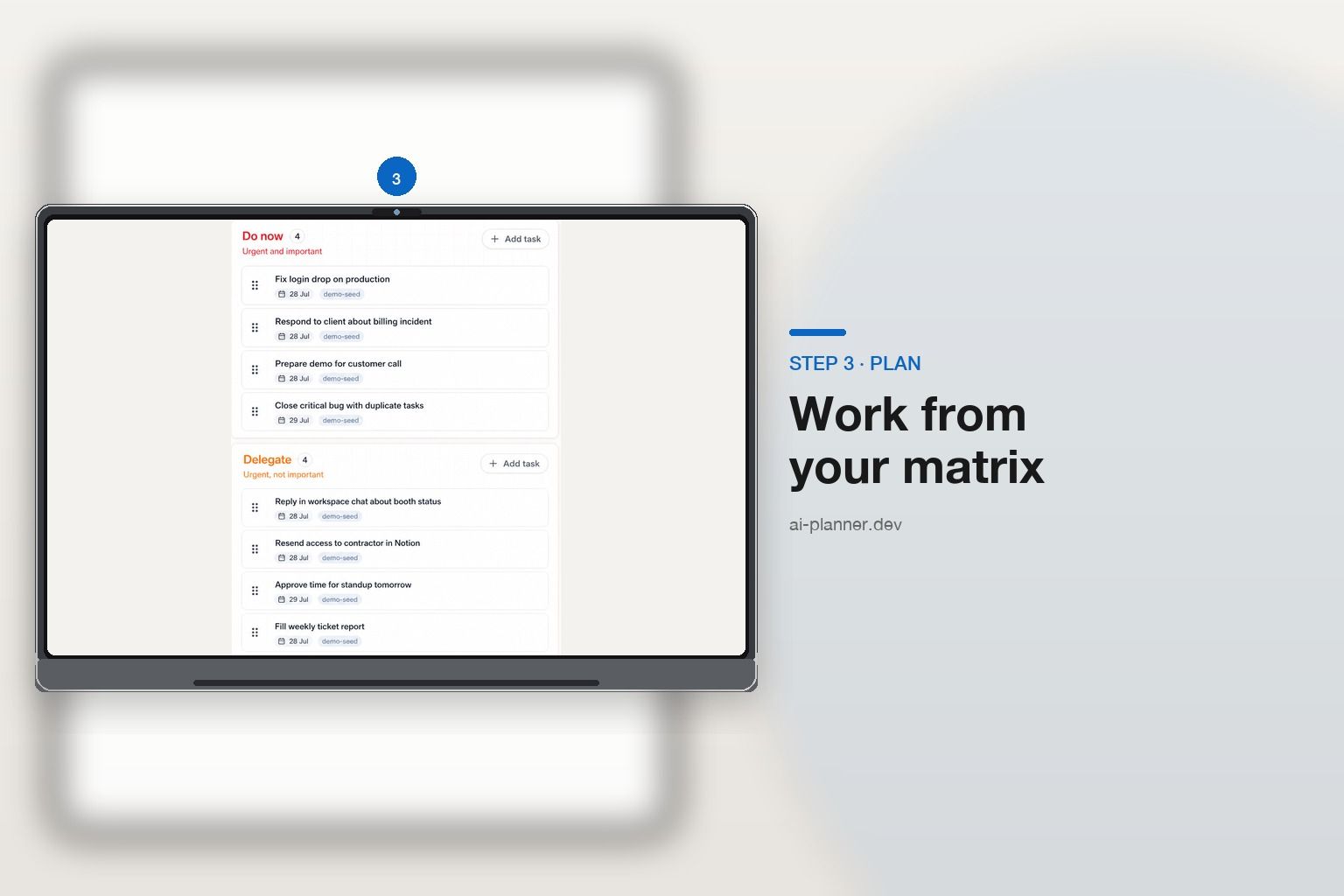
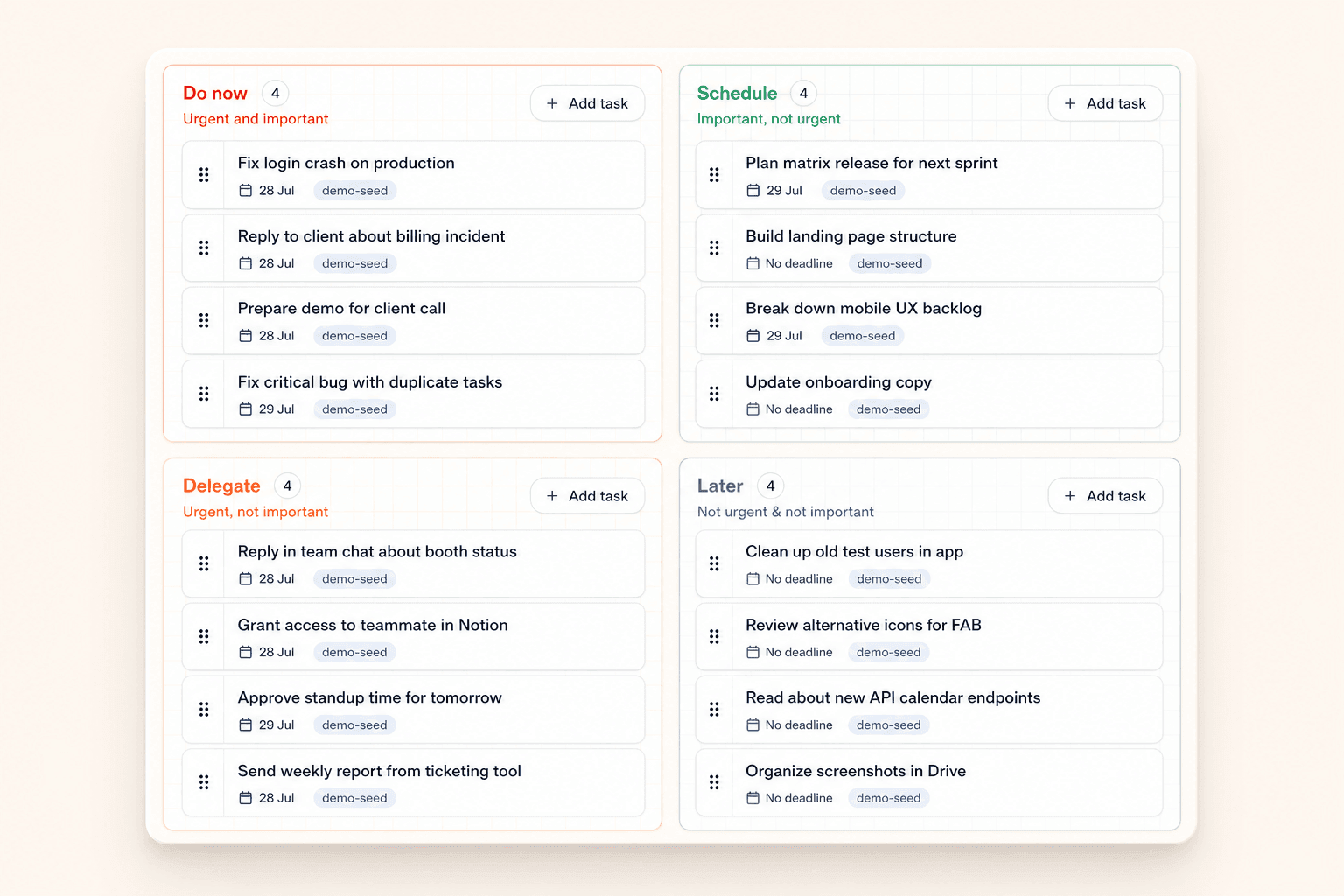
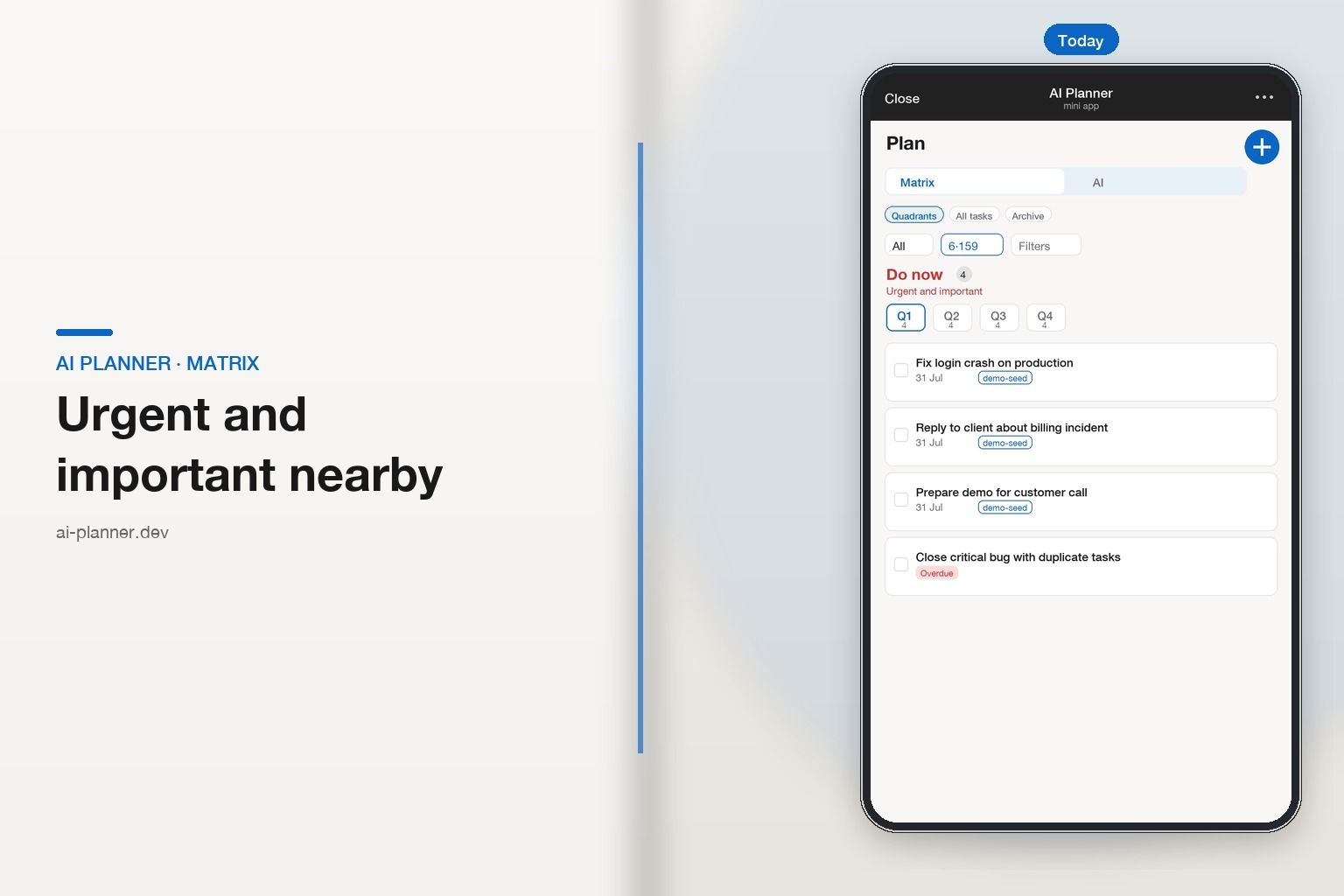
Urgent and important stay visible on the matrix; Today keeps the day plan tight. Projects help group work without burying priorities.
Calendar
CalDAV sync with Google Calendar, Outlook, or Apple Calendar. Ask the agent what’s on today — meetings and tasks stay in one place.
Three steps
One tap — matrix and agent. Or sign up on the web and link Telegram in settings.
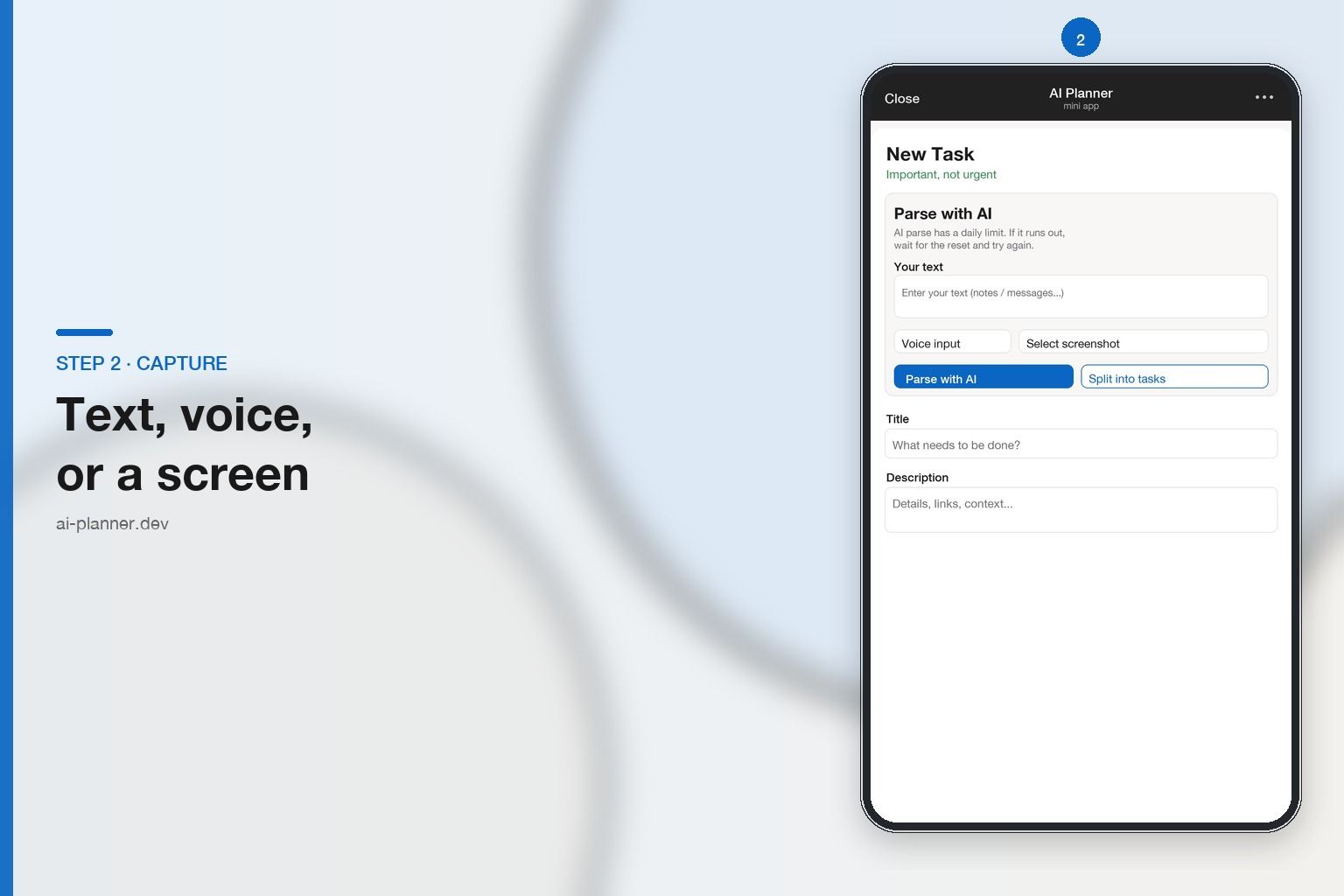
Paste chaos into cards, or tell the agent what to create, close, or find.
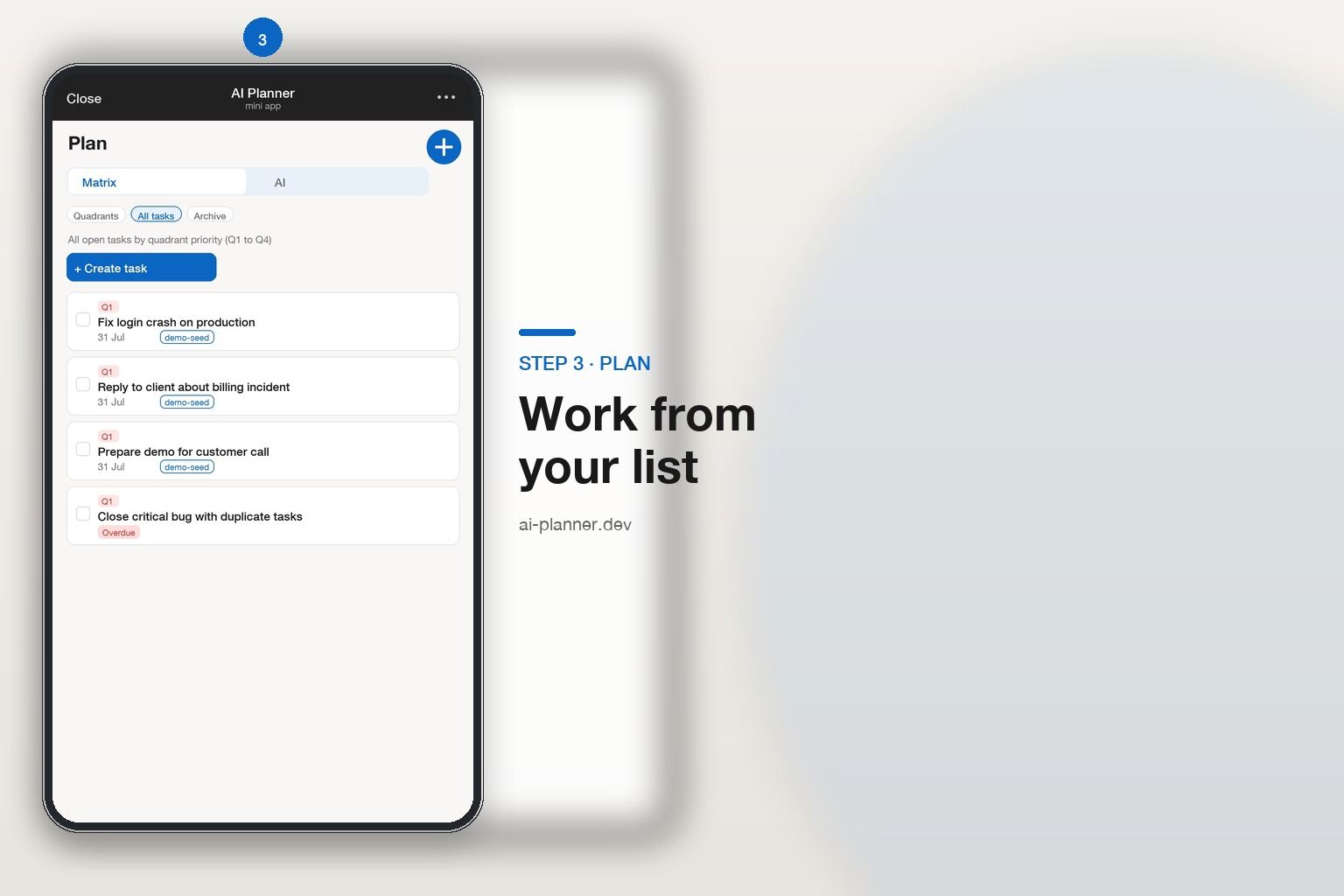
Focus on Q1, keep meetings nearby, continue any chat session later.
About the project
An independent solo-developer project. No investors and no ads
FAQ
Here are the answers to the most popular questions.
The Eisenhower matrix prioritizes tasks along two axes: importance and urgency. Tasks fall into four quadrants: urgent and important, important but not urgent, urgent but not important, and neither urgent nor important. It's a simple, visual way to manage tasks and focus on what truly matters.
Paste text, a chat, a screenshot, or dictate a voice note. The planner creates a card with a title and suggests an Eisenhower quadrant — then you edit it. You can parse a single task or extract a whole list from one paste (thread, notes, checklist) — up to 20 tasks per request.
AI Planner supports sync via CalDAV. Connect Google Calendar, Outlook, Apple Calendar, or any other CalDAV-capable calendar. You can ask the agent about today’s meetings and keep events next to tasks.
It is a task agent inside the planner — not a company-wide autonomous AI. In chat you can create and close tasks, search done work, check calendar meetings (when CalDAV is connected), append notes, and keep several chat sessions. When parsing topics, the agent proposes drafts — you confirm creation. An explicit “create …” can still apply immediately.
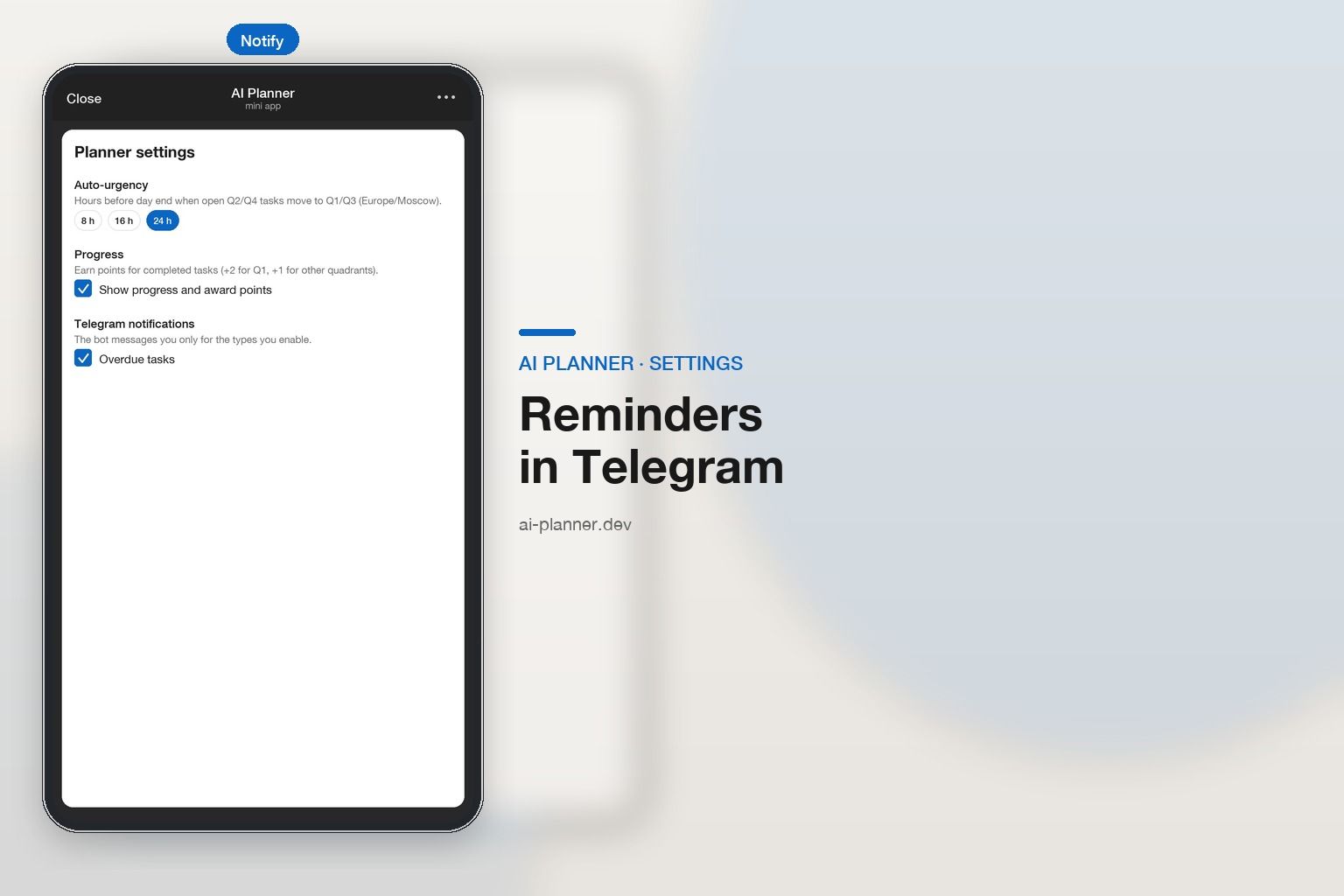
Link Telegram in web settings (code → Confirm in the bot) or start from the Mini App. After Start in the bot, enable reminders: overdue tasks, level-up, engagement, and winback. Notification types are configurable in the app.
Yes for now: we're in a demo/testing period with full access free during the demo — no card and no ads in the UI. AI requests (parse, chat, screenshots) use a fair-use quota — about 200 requests per day per account by default; see the pricing page for details.
Yes. Data is stored in a secured PostgreSQL database. Passwords are hashed with bcrypt. Secrets (for example, calendar passwords) are encrypted with AES-256-GCM. We don't share your data with third parties.
Demo · free for now
Open the bot — matrix and agent with no install. Or sign up on the web and link Telegram.
This is the Telegram Mini App. To sync data with the web planner, log in or sign up on the website and link Telegram in settings.
Log in or sign up on the webAI Planner · Mini App · agent + matrix · demo free
Open Telegram bot